How do I analyse search terms in OTTO's Keyword Report?

By Keanu Dutado · Last updated: 5 November 2026
In short
In OTTO's Keyword Report you hold each search term against your target ACoS and decide term by term. A search term with sales below the target ACoS goes into a manual campaign as a keyword. One that doesn't fit your item gets excluded in the automatic campaign. To do this, set the „Conversion-Basis“ (conversion basis) from brand to item, because by default OTTO also counts purchases of other items of your brand, and weak search terms look better than they are. You'll find the Keyword Report in every campaign's detail report under „Marketing“ → „Sponsored Product Ads“.
Every click on your ad costs money, even if the customer was looking for something you don't sell at all. OTTO only shows you those searches campaign by campaign and by default with the revenue of your whole brand, so weak search terms look better than they are. If you don't look, you keep paying for searches that don't fit and miss the search terms that sell and deserve a bid of their own.
Search term and keyword on OTTO
A search term is what a customer types into the search box on OTTO. A keyword is the word you book for your ad in a manual campaign. How closely a search term has to match your keyword is set by the match type, in the partner portal „Exact“, „Phrase“ or „Broad“. With the keyword “gartenstuhl” in phrase match, the search “gartenstuhl holz klappbar” can also trigger your ad.
In an automatic campaign you don't book keywords. OTTO chooses the searches based on your listing, and you only set one bid per item. A search term has no bid of its own there. You can only exclude it or change the bid of the whole item. Only in a manual campaign does it get its own bid, as a keyword.
Where OTTO shows your search terms
OTTO's ad reports sit on two levels. Under „Marketing“ → „Sponsored Product Ads“ you'll find the tabs „Dashboard“, „Kampagnen-Report“ (Campaign report), „Artikel-Report“ (Item report), „Verkäufe-Report“ (Sales report) and „Prognose-Report“ (Forecast report). There's no tab for keywords or search terms there.
The search terms are one level down, in the detail report of a single campaign. It has four tabs, „Gesamt Report“ (Overall report), „Keyword Report“, „Artikel Report“ (Item report) and „Sales Report“. If you come from Amazon, you know it as the Search Term Report, the report with customers' searches. OTTO doesn't offer a Keyword Report across all campaigns.
What's in OTTO's Keyword Report
The „Keyword-Detailübersicht“ (Keyword detail overview) table has these columns, in this order.
| Column at OTTO | What it contains |
|---|---|
| „Produkttitel“ (Product title), „SKU“ | The advertised item. Rows are grouped by item. |
| „Keyword“ | The booked keyword. Empty for an automatic campaign. |
| „Match Type“ | The keyword's match type. Empty for an automatic campaign. |
| „Customer Search Term“ | The search term the customer typed, typos included |
| „Ausgaben“ (Spend), „CPC“ | Your ad spend and what a click cost on average |
| „Impressionen“ (Impressions), „Klicks“ (Clicks), „CTR“ | How often the ad was shown and clicked |
| „Abgeschickte Warenkörbe“ (Submitted baskets), „Verkäufe“ (Sales), „Umsatz“ (Revenue) | Orders, units sold and ad revenue after a click |
| „ROAS“, „KUR (ACoS)“, „CPO“, „CVR“ | The metrics derived from them. „KUR (ACoS)“ is ACoS, meaning spend divided by revenue. |
For an automatic campaign, „Keyword“ and „Match Type“ stay empty, and „Customer Search Term“ lists several searches per item. For a manual campaign, you see next to each keyword which search terms it was actually shown for. That shows you which searches a keyword in phrase or broad match triggers.
OTTO lists search terms with at least one click in the period. For manual campaigns it also lists search terms that only had impressions.
Which purchases OTTO credits to a search term
When a customer clicks your ad, OTTO credits it with the purchases of the following 14 days. Which purchases count is something you choose in the „Conversion-Basis“ field at the top left of the Keyword Report. The field has four entries, each with a number in front, and the default is „1. Marke“ (brand).
| Conversion basis at OTTO | What counts after the click |
|---|---|
| „1. Marke“ (brand) | a purchase of any item of the same brand |
| „2. Sortiment“ (assortment) | a purchase of an item of the same brand from the same assortment |
| „3. Kampagne“ (campaign) | a purchase of an item from the same campaign |
| „4. Artikel“ (item) | a purchase of exactly the item the customer clicked |
On „1. Marke“, a search term's revenue also includes the garden table the customer bought after clicking your garden chair. Whether a search term fits your item only shows on „4. Artikel“. OTTO counts the submitted basket with VAT as revenue. The report doesn't subtract returns or cancellations.
What OTTO's Keyword Report doesn't show
The totals in the Keyword Report are smaller than the campaign's totals in the „Kampagnen-Report“. That OTTO's search term report doesn't contain every click of a campaign has been measured on a real OTTO account, including for a manual campaign. An automatic campaign has one more reason. It also runs in product lists and on product detail pages, and nobody types a search term there. OTTO doesn't show how many clicks are missing or on which page an ad got its clicks.
The Keyword Report also shows no returns and no target ACoS. Whether a search term is too expensive is something you work out yourself.
How far back OTTO's Keyword Report goes
In the partner portal you can choose the whole „Kampagnenzeitraum“ (Campaign period) or your own dates in the Keyword Report. OTTO's Helpdesk still gives at most the last 30 days, but the portal offers more today. Keywords have only existed on OTTO since 4 August 2025, though. Even for a campaign that has been running for longer, the search terms in the portal therefore only start around August 2025. If you don't want to rely on the length, download the report regularly as a CSV file.
The ad numbers of the most recent 14 days can still grow. A purchase can be added up to 14 days after the click, and it counts for the day of the click. A search term that has no sale today can still get one for those days.
What to do with a search term on OTTO
A search term with sales and an ACoS below your target ACoS is a candidate for its own keyword. If you move it into a manual campaign, you control its bid there separately. How to work out your target ACoS from your margin is covered in What is a good ACoS on OTTO, and how do I calculate it?
A search term that doesn't fit your item only costs you money. For that OTTO has „Negative Keywords“, search terms your ad doesn't appear for. According to OTTO's guide they come as Negative Exact and Negative Phrase, and they're always attached to a single item in the campaign. In practice, many sellers also exclude search terms in the automatic campaign that brought clicks but no sale. How many clicks without a sale you wait for is up to you. OTTO gives no number per search term. For a whole item, OTTO advises judging only from 50 € of ad spend.
In a manual campaign OTTO doesn't accept negative keywords. That has been measured on OTTO's API, and in the partner portal the field for them is on the automatic campaign. If a keyword in a manual campaign triggers searches that don't fit, you can choose a narrower match type, such as Exact instead of Phrase, or lower its bid.
For good search terms, OTTO recommends a cycle in its Sponsored Product Ads guide. You add them as keywords to the manual campaign and exclude them in the automatic campaign as Negative Exact. In practice, some sellers still leave adopted search terms in the automatic campaign. Their reason is that the automatic campaign also runs in product lists and on product detail pages, the manual one only in search. If you exclude a search term in the automatic campaign, you may lose more than just that one search. OTTO doesn't show how big this effect is, because no report breaks out performance per placement. So you weigh it up yourself. With OTTO's approach, a good search term only runs at the bid you give it in the manual campaign. With the approach from practice, the automatic campaign keeps its full reach and the search term runs in both campaigns. If you go OTTO's way, compare the automatic campaign's revenue before and after the exclusion in the „Kampagnen-Report“.
How to open a campaign's Keyword Report on OTTO
Your ad reports are in OTTO Partner Connect, the partner portal for sellers.
- In the left sidebar, open „Marketing“ → „Sponsored Product Ads“. The „Dashboard“ tab lists your campaigns as a table.
- In the campaign's row, click the „SPA Kampagnendetailreport“ (SPA campaign detail report) icon. Its detail report opens. The same route exists in the „Artikel-Report“ tab through the „Detailreport“ (Detail report) column, which opens in a new browser tab.
- Choose the „Keyword Report“ tab.
- At the top left, set the „Conversion-Basis“ from „1. Marke“ to „4. Artikel“.
- Under „Kampagnenzeitraum“, choose a period, or your own dates with the „Individuell“ (Custom) switch.
- Scroll to the „Keyword-Detailübersicht“. For an automatic campaign, read the „Customer Search Term“ column, for a manual one also „Keyword“ and „Match Type“. The table is wider than the screen, and you reach „Verkäufe“ and „Umsatz“ by scrolling sideways.
- Download the table with „CSV Download“.
At the very bottom, bars put baskets, sales and revenue side by side for all four conversion bases. There you can see how much of the revenue on „1. Marke“ came from other items of your brand.
How to transfer search terms into your OTTO campaigns
What you take from the report goes into the campaign wizard. You open it in the „Dashboard“ tab with the „Bearbeiten“ (Edit) icon in the campaign's row.
- To create a keyword in a manual campaign, click „Weiter“ (Next) in step „1 Kampagne bearbeiten“ (Edit campaign) and in „2 Produktauswahl“ (Product selection). In step „3 Keywords & Gebote festlegen“ (Set keywords & bids) you enter the keyword per item under „Keywords eingeben“ (Enter keywords), choose „Exact Match“, „Phrase Match“ or „Broad Match“ and click „Keywords hinzufügen“ (Add keywords). For many items, the Helpdesk says to use a CSV file with the columns SKU, Keyword, Matchtype and bid and upload it with „CSV-Upload“.
- To exclude a search term in an automatic campaign, click „Weiter“ in step „1 Kampagne bearbeiten“. Below the product selection in step „2 Produktauswahl“ you'll find „Negative Keywords hinzufügen“ (Add negative keywords). There you enter the search terms per item, according to the Helpdesk separated by commas or by CSV file.
How to find search terms on OTTO you aren't advertising yet
The Keyword Report only shows searches your ad has already run for. You'll find new search terms under „Analysen“ (Analytics) → „Potenzialanalysen“ (Potential analyses) → „Suchbegriff Analyse“ (Search term analysis), with numbers from all of otto.de's search. In the „Suchbegriffe nach Produkt“ (Search terms by product) tab, enter under „Eingabe Artikelnummer“ (Enter item number) a product's item number, which is in its description on otto.de, not your SKU. You get its most important search terms of the last 30 days with search volume. In practice, many sellers enter the item numbers of four or five similar products from other sellers, add the matching search terms to their manual campaign and roughly estimate how often people search for them.
What you have to combine yourself on OTTO
You download the Keyword Report for each campaign separately and combine the files in one spreadsheet. You write your target ACoS next to each row yourself and divide the spend by the revenue. Whether a search term is already booked as a keyword or already excluded is something you check against each campaign's wizard. Search volume from the „Suchbegriff Analyse“ you add next to each search term yourself. In practice that's a lot of work, because a targeting's performance doesn't sit next to it but is spread across several reports.
Three search terms from the OTTO garden furniture campaigns
Say you advertise your garden furniture in “Automatic – Garden furniture” and “Manual – Garden furniture”, each with 298 items. Your garden furniture has a target ACoS of 25%. All numbers are an example and come from the last 30 days.
In the automatic campaign's Keyword Report, on „4. Artikel“, these are among the search terms.
| Search term | Clicks | Spend | Sales | Revenue | ACoS |
|---|---|---|---|---|---|
| “gartenstuhl klappbar” | 40 | 10 € | 3 acacia chairs | 357 € | 2.8% |
| “gartenstuhl kinder” | 30 | 12 € | 0 | 0 € | — |
“gartenstuhl klappbar” brought in three acacia chairs at 119 € each for 10 € of ad spend. 10 € ÷ 357 € is an ACoS of 2.8%, far below your target ACoS. You add it as a keyword in exact match to “Manual – Garden furniture”, with a bid of 0.40 €. There you can change its bid without touching the item bids in the automatic campaign.
“gartenstuhl kinder” had 30 clicks and cost 12 € but sold nothing, and you don't carry children's chairs. You exclude it as exact in “Automatic – Garden furniture”. Because negative keywords are attached to each item, you enter it on all 298 items, so 298 times.
In the manual campaign's Keyword Report, the keyword “gartentisch eiche” appears in exact match with the identical search term. Here's how the conversion basis changes the picture.
| „1. Marke“ | „4. Artikel“ | |
|---|---|---|
| Spend | 340 € | 340 € |
| Revenue | 1,000 € + 357 € = 1,357 € (10 oak tables and 3 acacia chairs) | 1,000 € (10 oak tables) |
| ACoS | 340 € ÷ 1,357 € = 25% | 340 € ÷ 1,000 € = 34% |
| against your target ACoS of 25% | on target | 90 € above target |
On „1. Marke“, the 3 acacia chairs for 357 € that customers bought after clicking the table's ad count too, and the keyword looks as if it's exactly on your target ACoS. The table itself is at 34%. At 25%, 1,000 € of ad revenue should carry at most 25% × 1,000 € = 250 € of ad spend. 340 € − 250 € is 90 € above target. You can lower its bid and look at it again after two weeks.
How to analyse your OTTO search terms with MargenOptimierer
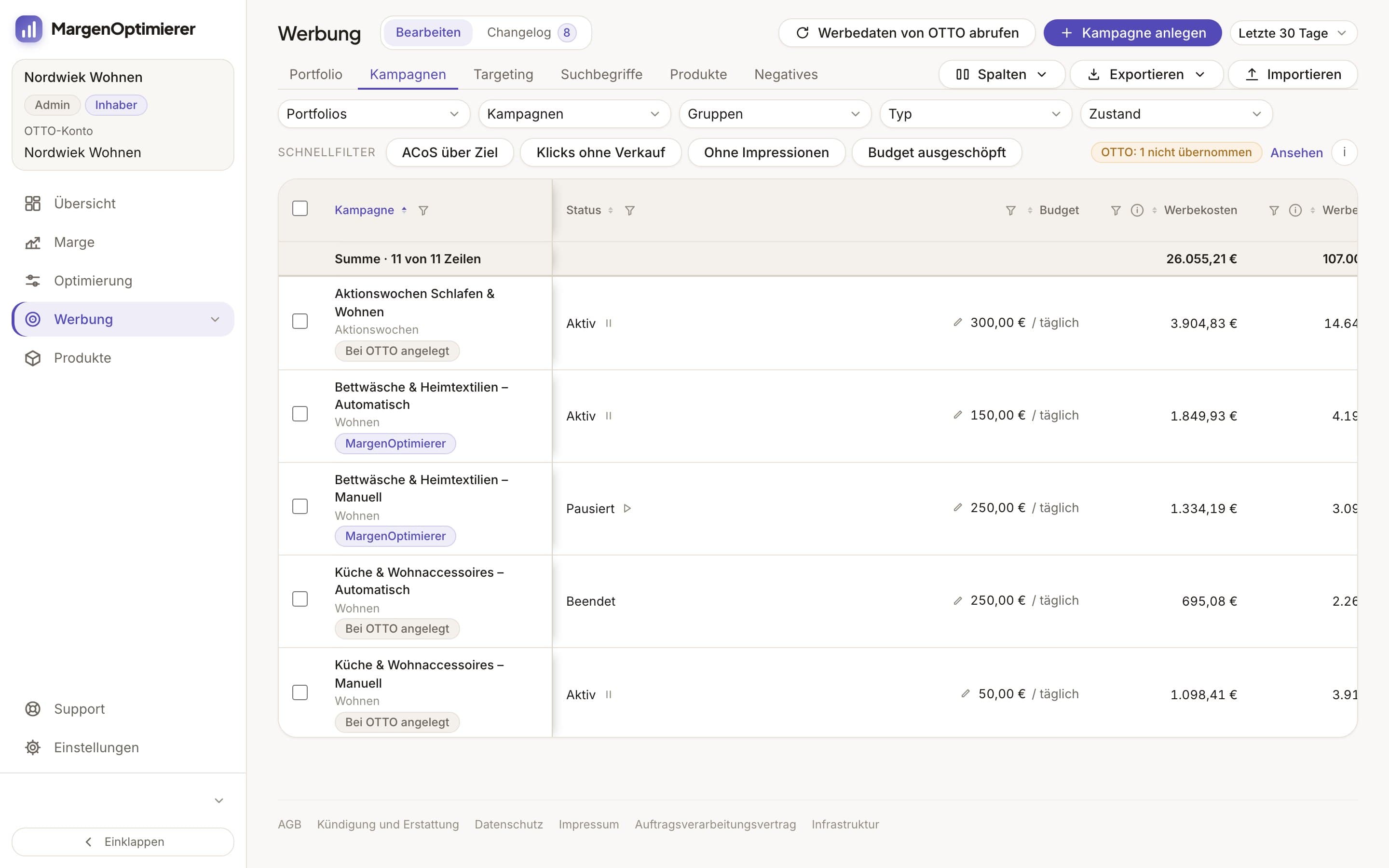
MargenOptimierer fetches your search terms from OTTO every night and puts them in one table in the Werbekonsole (ad console), in the Suchbegriffe (Search terms) tab, for all campaigns together. Each search term sits in one row with impressions, clicks, ad spend, ad revenue and ACoS, counted on the advertised item as on „4. Artikel“ at OTTO. Next to it are its target ACoS, the campaign, the keyword the ad ran through and whether the search term is already booked as a keyword. You no longer have to combine each campaign's CSV files for this.
Two quick filters take care of the sorting. Harvesting shows search terms that have sold and aren't yet booked as keywords, so the candidates for harvesting. Ausschließen (Exclude) shows search terms with clicks and no sale that aren't yet listed under Negatives (negative keywords). It only counts from a minimum number of clicks, set to 10 by default, which you can change yourself.
With Als Keyword übernehmen (Add as keyword) you choose the manual campaign, the match type and the bid, and MargenOptimierer shows you beforehand on how many items the keyword will be created. With Ausschließen and An allen Artikeln der Kampagne (On all items in the campaign) you exclude a search term on all 298 items at once instead of filling 298 fields. If you select search terms from a manual campaign, MargenOptimierer leaves them out and tells you. You queue everything first and then send it to OTTO yourself.
Your numbers always end yesterday. If clicks are missing because OTTO's search term report doesn't contain them, the amount appears in a sentence below the table.
MargenOptimierer costs from 49 € net per month. You can test the first 14 days for free, no credit card needed.
Frequently asked questions
Does OTTO have a Search Term Report like Amazon?
Yes, it's called the „Keyword Report“ and it's a tab in every campaign's detail report. Customers' search terms are in the „Customer Search Term“ column. OTTO has no report across all campaigns.
Why does the Keyword Report show fewer clicks than the Kampagnen-Report?
OTTO's search term report doesn't contain every click of a campaign. An automatic campaign also gets clicks in product lists and on product detail pages, where nobody types a search term. OTTO doesn't say how many clicks are missing.
Can I exclude search terms in a manual campaign on OTTO?
No. OTTO only accepts negative keywords in automatic campaigns. In a manual campaign, for a keyword that triggers searches that don't fit, choose a narrower match type or lower its bid.
Keanu Dutado
Keanu Dutado sells on OTTO and other marketplaces with his own company and runs the ads himself. He has several years of e-commerce experience and was an Amazon Ads Manager at Snocksulting / Remazing Nova. He founded MargenOptimierer.
Last updated and sources
Last updated: 5 November 2026
- OTTO: Pressemitteilung zum Keyword Targeting für Sponsored Product Ads, as of 28 October 2026
- OTTO Advertising: Sponsored Product Ads, as of 28 October 2026
- OTTO Advertising: Leitfaden Sponsored Product Ads (PDF), as of 28 October 2026
- Sponsored Product Ads, Reporting (Partner Helpdesk, login required), as of 13 July 2026
- Sponsored Product Ads, Buchung und Erstellung von Kampagnen (Partner Helpdesk, login required), as of 25 June 2026
- Sponsored Product Ads, Kosten und Abrechnung (Partner Helpdesk, login required), as of 13 August 2026
- Suchbegriff Analyse (Partner Helpdesk, login required), as of 31 March 2026
- OTTO Market API: Sponsored Product Ads Reporting, as of 28 October 2026
Next
- How do Sponsored Product Ads work on OTTO?
- Should I use automatic or keyword campaigns on OTTO?
- Which metrics matter for OTTO advertising?
- OTTO SEO: How do I optimize listings for OTTO search?